
 John Jevi dela Cruz
STP finalisation is due soon after 30 June. For the 2025-26 year, the ATO’s 2026 employer key dates list 14 July 2026 as the key date.
This step tells the ATO your payroll data is final. Employees then use that data at tax time.
Wrong data can cause problems. Staff may see the wrong income statement. You may also need to lodge fixes later.
Use these checks before you finalise.
Why STP finalisation matters
STP finalisation is not just a payroll button. It is a year-end check.
Your payroll data should match your records. Employee details should also be correct. Pay categories need a close look too.
A short review now can save time later.
1. Match payroll to your accounts
Start with the big totals.
Check wages, PAYG withholding and super. Compare payroll reports with your accounts. Also compare them with bank payments.
Look for extra pay runs. Check bonuses. Review leave payouts. Check any manual changes.
Fix gaps before you lodge. That is easier than fixing a wrong income statement later.
HarvestWise can help with bookkeeping and payroll checks before year-end payroll is final.
2. Check employee details
Check each employee’s details.
Review names, tax file numbers and dates of birth. Also check employment type and end dates.
This matters for STP Phase 2. Employers now report more detail than they did under payment summaries.
Pay close attention to staff who changed roles. Also check staff who left and returned.
3. Review payroll categories for STP finalisation
Payroll categories can create errors.
The ATO’s STP Phase 2 quick reference guide explains how employers report pay types. These include allowances, leave, overtime, bonuses and commissions.
The amount may be right. The category may still be wrong.
Check any new pay items. Also check categories changed during the year.
4. Check salary sacrifice
Salary sacrifice needs care.
Review staff who sacrifice salary to super. Also check any other salary package items.
Their income statement may need to show the right split. Gross pay and sacrificed amounts should not be mixed up.
Check each affected employee. Do not only review the total payroll figure.
5. Review former employees
Former staff still need a final check.
Review final pays. Check unused leave. Check termination payments. Also check redundancy amounts, if any.
These payments may need special treatment. The end date should also be correct.
Run a terminated employee report. Then check each person who received a final payment.
6. Check closely held payees
Closely held payees can include directors, family members, shareholders or trust beneficiaries.
The ATO’s closely held payee guidance says their finalisation due date is 30 September each year. This differs from the 14 July date for most employees.
This issue often affects family businesses. It can also affect private companies and trusts.
List any related payees. Then check their deadline and year-to-date totals.
7. Fix errors after STP finalisation
Mistakes can still happen after STP finalisation.
Act quickly if you find one. The ATO’s guidance on correcting STP information explains how employers can fix reported data.
Your payroll software may let you lodge an update event. It may also let you send amended details.
Fast action helps employees. If they lodge with wrong income data, they may need to amend their tax return.

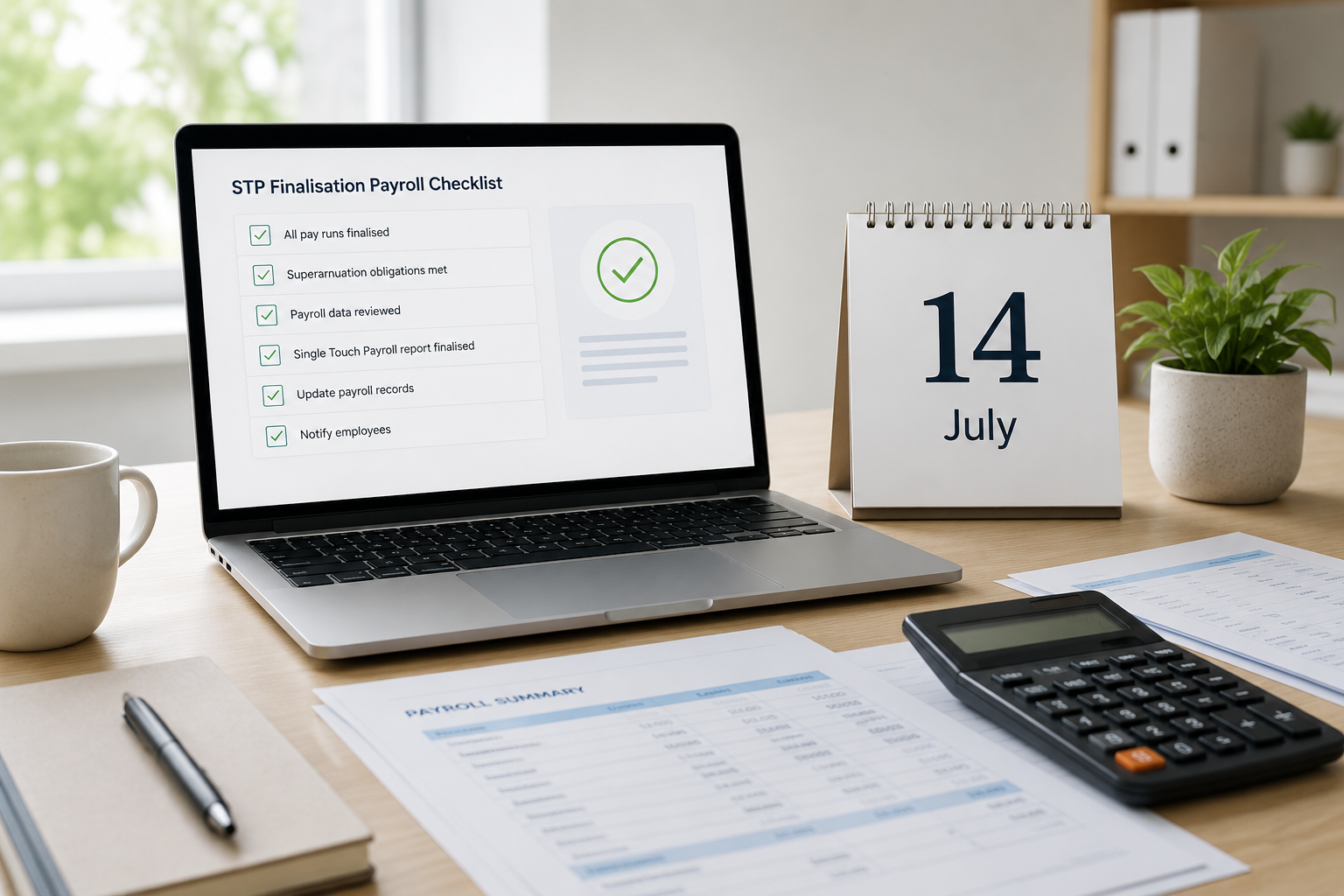
STP finalisation checklist before 14 July
Check these items before STP finalisation:
- Gross wages
- PAYG withholding
- Super
- Salary sacrifice
- Allowances
- Bonuses
- Commissions
- Overtime
- Paid leave
- Termination payments
- Employee details
- Closely held payees
- Payroll clearing accounts
- Manual payroll journals
Also check your final June pay runs. Make sure your software shows them as lodged and accepted.
When to get help
Ask for help if payroll has been messy this year.
This is wise if you changed payroll software. It also matters if you paid directors or family members.
Get help if you paid large bonuses. Also ask for help if staff left during the year.
Most payroll issues are easier to fix before finalisation. They become harder once staff start using their income statements.
HarvestWise Accounting can review your payroll reports. We can also help you prepare clean year-end records. For support before the deadline, contact HarvestWise Accounting.